
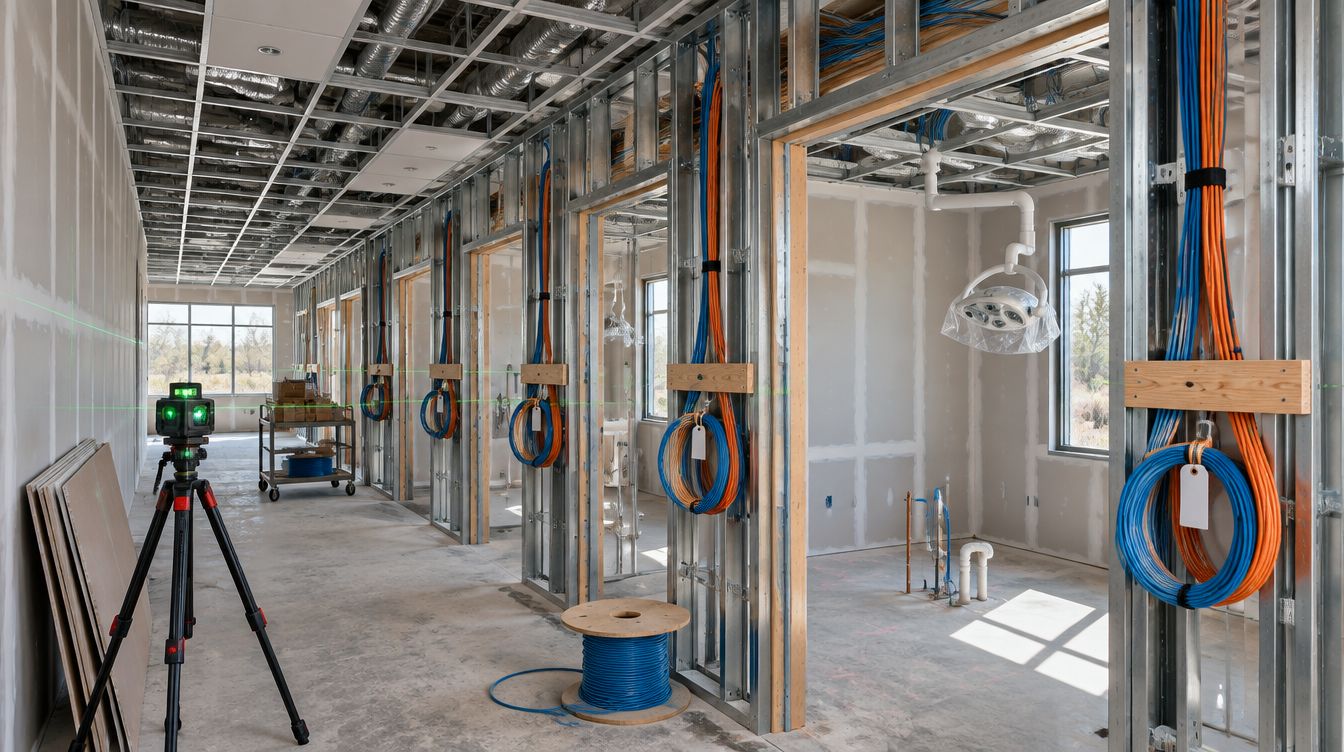
Office WiFi installation in a Phoenix dental practice is a placement problem first and a hardware problem second. Access points are positioned from the floor plan and the ceiling plan, staff devices and guests are put on separate networks, and coverage is read room by room before the office opens. ClearMax technicians mount and configure the access points as part of the buildout, each on its own cable back to the closet.
Last updated: November 2026
Access point positions on the ceiling drawing
An access point covers a room most evenly from the middle of the ceiling, not from a corner above the hallway door. Positions are marked on the reflected ceiling plan beside the lights, sprinklers and air diffusers, so the ceiling installer knows where each one goes. Operatories, the front desk, the consult room and the break room each get a reading target; the imaging room and any lead-lined wall are planned around, since they block signal.
- One cable per access point, back to a powered switch port in the closet.
- Mounts on the ceiling grid or the hard lid, never resting loose above the tile.
- A position map kept with the drop map, so a replacement goes back in the same place.
How many access points an office needs
The count comes from the walls, not the square footage. Operatory partitions, the imaging room and the closet's own equipment all absorb signal, and a long corridor of treatment rooms usually needs more units than an open plan of the same size. Each position is chosen so that two access points overlap slightly, which lets a tablet carried from the front desk to the back operatory hand off without losing its session. A practice expecting to add chairs later gets a spare cable to the ceiling where the next unit would go, so growth does not mean opening the ceiling twice.
Staff, guest and device networks
The office runs at least three networks. Staff computers and tablets that open Dentrix sit on the staff network. Patients in the waiting room get a guest network that reaches the internet and nothing else. Printers, cameras, door readers and other devices sit on their own segment, so a device problem cannot spread to the charts.
The Dentrix server and imaging workstations stay on cable. Wireless is for tablets, laptops, phones and guests, never for the computer that holds the database.
Keeping radios out of the hottest spaces
Access points are electronics with operating limits. The NWS Phoenix 2024 climate summary lists the year's highest reading as 118 degrees, on 07/05. On a day like that, the space above a ceiling under a flat roof can run far hotter than the room below, so access points mount on the ceiling face where the room's air reaches them, never inside an unconditioned plenum or attic.
The same summer reasoning applies to the closet switch that powers them. The same summary counted 70 days at or above 110 degrees, and a powered switch in an uncooled room drops access points along with everything else when it overheats.
Testing coverage before opening day
- Each access point is checked for power, link speed and the right networks.
- Signal is read in each operatory, at the front desk and in the consult room, with a tablet or laptop staff will actually use.
- A device is walked from room to room to confirm it moves between access points without dropping.
- The guest network is tested for internet access and confirmed unable to reach staff computers or the server.
- Readings and settings go into the handover file.
The controller login belongs to the owner
Under Arizona's dental records statute, the owner of a dental practice or its registered business entity shall maintain all written and electronic records. The wireless system is handed over to that owner too: the controller or management login, the network names and passwords, and the access point map, with nothing kept back by the installer.
WiFi questions from Phoenix practices
Can patients use the office WiFi?
Yes, on the guest network, which reaches the internet and nothing inside the office.
Do the access points need their own cable?
Yes. Each takes power and data over one run from the closet; see the cabling page.
Can WiFi be added to an office that is already open?
Yes. Positions are planned from the existing ceiling, and the cable is pulled after hours. The buildout overview covers the rest of the project.